How to Organise Years of
Medical Evidence for Your Claim
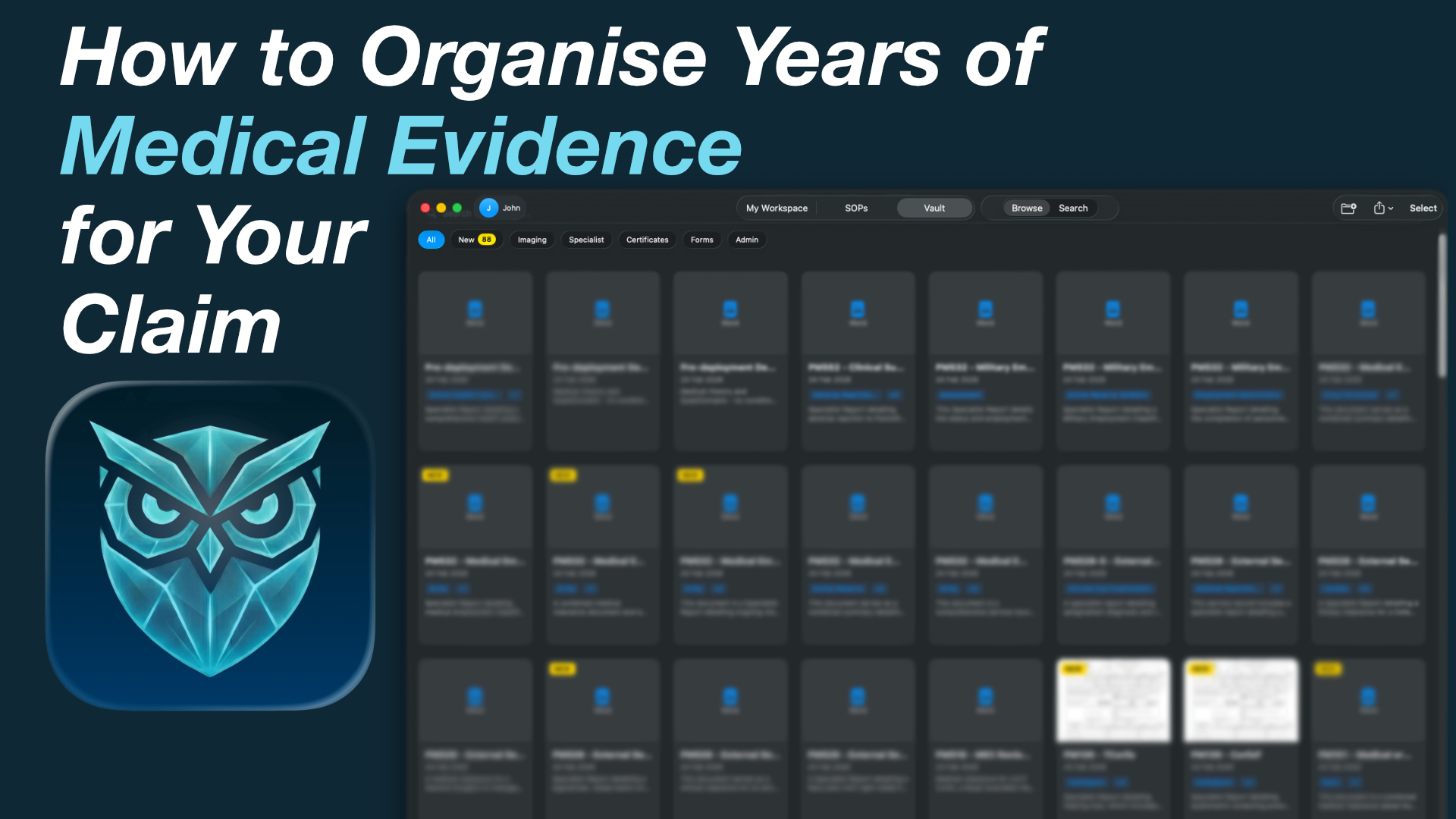
When it comes to DVA (Department of Veterans' Affairs) claims, the strength of your case rests on the quality and organisation of your medical evidence. In theory, that sounds simple. In practice, assembling a usable picture of a veteran’s medical history often feels like a jigsaw with half the pieces missing — and the other half buried in a giant PDF.
This guide explains why chronology matters, how to handle scattered Defence and civilian records, and how to organise evidence securely on your device without uploading sensitive files to cloud AI.
The struggle of scattered records
A veteran’s medical history rarely fits neatly into one file. It might span decades, different ADF branches, deployments, and civilian doctors — plus a Defence health release that looks nothing like a neat clinic folder.
If you are an advocate or a veteran managing a claim, you are likely dealing with:
- Printed, faded medical records stacked in boxes
- Emails with massive PDF attachments
- USB drives from Defence personal information requests (including JeHDI exports or scanned UMRs)
- Discharge summaries, specialist letters, GP notes, and psychological assessments
Manually sorting through this chaos is the most tedious and error-prone part of the DVA process. Because DVA generally needs a clear, medically substantiated link between an injury or illness and military service (via the Statements of Principles, or via presumptive liability where it applies), missing a single mention in a decade-old note can mean the difference between acceptance and rejection.
Need the Defence pack itself? Start with JeHDI medical records export & how to read your UMR and Defence’s personal information request process.
Why chronological timelines matter
DVA doesn’t just need to know what the condition is; they need to know when it started and how it developed — clinical onset and progression relative to service.
Many RMA factors have strict timeframes. Without a clear chronology of diagnoses and service events, it is hard to match history to the right SOP factors (or to confirm a presumptive service route).
Organising your evidence chronologically helps you:
- Spot gaps in the medical history that still need to be obtained
- Demonstrate clinical onset and progression clearly
- Build a narrative that aligns with the legal pathway you are using
The privacy problem with cloud-based tools
When faced with hundreds of pages of PDFs, the temptation is to use online summarisers or public AI models to organise the data.
That is a serious privacy risk.
Veteran medical records contain highly sensitive health information and service history. Uploading them to a third-party cloud service to generate summaries or timelines can breach the Privacy Act and expose data you cannot take back.
You need intelligence that runs securely on your device — not a convenience tax paid in someone else’s server logs.
How Athena organises evidence — securely on your device
Athena’s Evidence Vault is built for this exact problem: extract, structure, then build — without sending veteran files to the cloud.
- Import Defence and civilian records: JeHDI HTML exports, large scanned UMRs, specialist letters, and GP PDFs all land in one private vault on your iPad or M-series Mac.
- Unpack big exports: Huge JeHDI or UMR dumps can be split into individual consultations, referrals, pathology reports, and discharge summaries — each with its own date, type, and searchable text.
- Smart tagging & OCR: On-device AI tags conditions, medications, dates, and diagnostic findings so you can find a buried mention in seconds.
- Service timeline: Import service history so claims and onset dates sit against service periods and the applicable standard of proof is clearer.
- Gap checks: When you import a Complete Record, Athena can flag consultations listed there that are still missing from the vault.
- Background evidence suggestions: As you build a claim, the vault surfaces supporting documents you may have forgotten existed.
- Claim bundling: Link evidence into the Claim Statement Builder and export a structured pack for myService.
Stop scrolling endlessly through one giant PDF. Organise your evidence privately, on hardware you control.
Ready to take control of your medical evidence securely?
Available exclusively on the App Store.