How Advocates Can Build Stronger
DVA Claims Faster
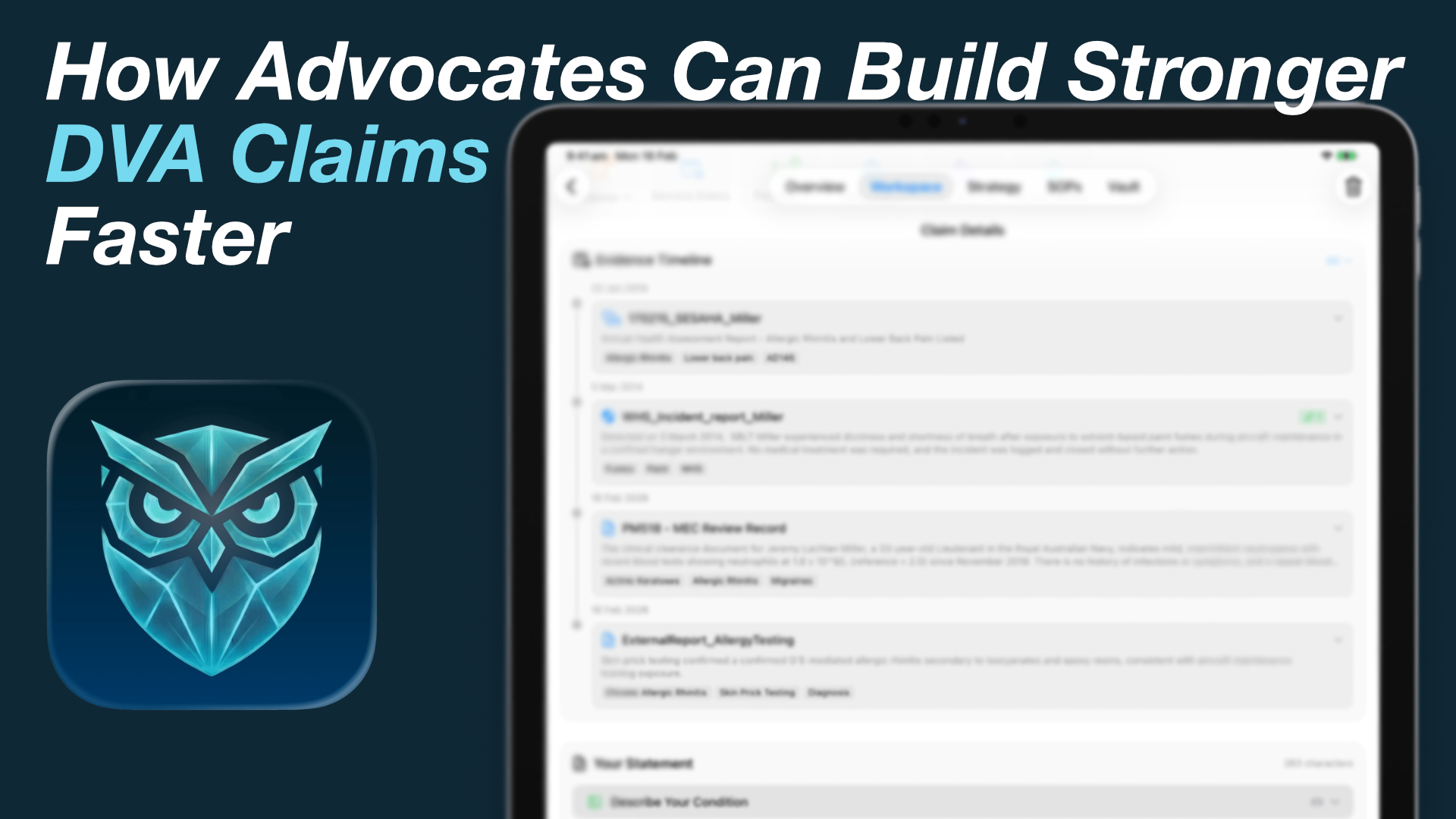
For DVA advocates in Australia, time is the enemy. There are thousands of veterans waiting for help, but claim building remains slow, complex, and administratively heavy.
Traditional methods force advocates to bounce between PDF readers, Word documents, browser tabs full of SOP research, and scattered emails. This guide covers how to structure stronger claim statements — and how to do that faster while keeping client medical evidence private, securely on your device.
The time crunch advocates face
A typical claim isn’t generated in an afternoon. It requires:
- Reviewing hundreds of pages of medical and service records — including JeHDI exports or scanned UMRs.
- Cross-referencing diagnoses with RMA Statements of Principles (SOPs), or checking whether presumptive liability applies.
- Drafting clear, structured claim statements that tie evidence to the correct pathway.
Most advocates work as legal researchers, medical analysts, and admin assistants at once. Wrestling with Word documents and manually piecing together evidence steals time that should go to veterans. Details get lost; myService formatting is tedious; the cognitive load is immense.
Structuring a strong claim statement
A strong claim statement isn’t a long meandering story; it’s a precise, structured argument.
The ideal statement should:
- Clearly state the claim: Identify the specific condition being claimed.
- Cite the pathway: Name the relevant SOP and factor — or, where applicable, the presumptive determination citation and service route.
- Provide the evidence: Detail the service history, events, and medical diagnoses that satisfy that pathway.
- Connect the dots: Use precise language so a DVA delegate can see the chain of connection without guessing.
When these elements are misaligned, claims are rejected — and veterans enter a long, stressful appeals loop.
Privacy: keep client evidence on the device
As advocates look for speed, many consider ChatGPT or other cloud AI tools. Drafting statements that contain a veteran’s medical history and service details on those platforms is a serious privacy risk.
Under the Privacy Act, sensitive personal information should not be sent to external servers for processing unless you have a lawful, appropriate basis — and even then, most veterans and ESOs prefer the simpler rule: client files stay on hardware you control.
How Athena speeds advocate casework — privately
Athena is a private workspace on your iPad or M-series Mac. It doesn’t write the claim for you; it gives you the framework and the evidence intelligence to work faster.
- Evidence Vault: Unpack JeHDI/UMR dumps, tag records with on-device AI, and surface supporting evidence as you build each claim.
- SOP Navigator: Search 10,632 RMA factors offline; explore sequelae; stay aligned with the rules that apply by lodgement date.
- Strategy Maps: Visualise the chain of connection between service events, primary conditions, and sequelae on an interactive canvas.
- Presumptive Liability: See when a listed pathway may be open, with honest Met / Not Met / Not Assessable checks.
- Claim Statement Builder: Guided DVA sections, Case Briefing for strongest evidence per condition, myService-oriented export, and a real-time checklist of what’s missing.
- Securely on your device: OCR, tagging, drafts, and strategy stay local — no cloud AI processing of client files.
See the Claim Statement Builder, Strategy Maps, and the advocate overview.
Stop fighting Word documents.
Build stronger claims securely on your device. Available exclusively on the App Store.