DVA Claim Rejected? Your Next Steps
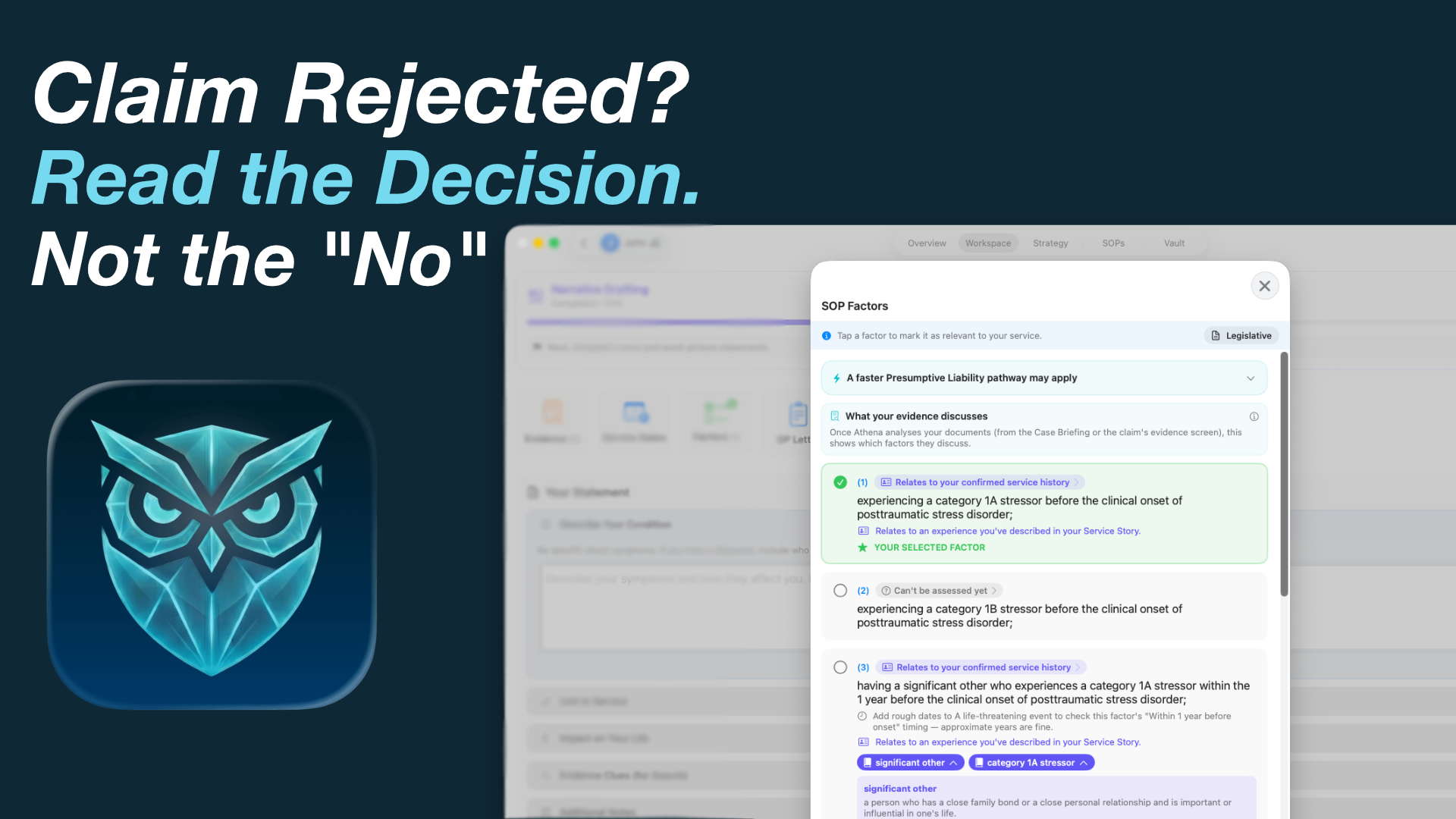
A rejection letter from DVA (the Department of Veterans' Affairs) can land hard — especially after months of waiting. Take a breath. A rejected claim is rarely the end of the road. Very often it means "the connection wasn't established" or "there wasn't enough information", not "you were never eligible". There is a clear, free review pathway, and there are practical steps you can take to strengthen your case.
This guide walks through what to do, in order: how to read the decision properly, the current review pathway and its time limits, and how to find the gap that led to the rejection. It's written to be calm and practical, not to promise any particular result — every claim turns on its own facts and evidence.
Important: dates and rules change
This is general information, not legal or financial advice. Veterans' legislation changed on 1 July 2026 (the VETS Act), and review rules can differ depending on when your decision was made. Always confirm the current rules, time limits, and the exact steps for your decision with DVA or an accredited (ATDP-trained) advocate before you act.
Step 1: Read the decision carefully — don't just read "No"
The most useful thing in a rejection letter is the reasoning. DVA explains which condition was considered, which pathway and standard of proof applied, and — crucially — where the delegate felt the case fell short. Look for the specific gap:
- The connection gap. The delegate accepts you have a diagnosed condition, but couldn't see a proven link between it and a specific service event or exposure. This is the single most common reason a claim stalls.
- The evidence gap. A relevant RMA Statement of Principles (SOP) factor requires something specific — an onset window, a documented exposure, a threshold — and the evidence on file didn't clearly show it.
- The factor gap. The claim didn't address the exact factor in the current RMA SOP for the condition, or relied on criteria that have since changed.
Identifying which gap applies matters, because it decides your best next move. A missing document is a very different problem from a decision you believe misapplied the rules.
Step 2: Decide between fixing evidence and asking for a review
Broadly, you have two directions — and sometimes both are worth pursuing with advice:
- Strengthen and re-approach. If the gap was a missing report, a clearer diagnosis, or a factor that wasn't addressed, gathering better evidence may be the most direct path. An advocate can help you decide whether to provide further information or lodge afresh.
- Apply for a formal review. If you believe the decision was wrong on the facts or the law, you can ask an independent body to look again. Below is the current review pathway as we understand it in 2026 — confirm the specifics for your decision with DVA or your advocate.
Step 3: Understand the current review pathway
Since 21 April 2025, DVA has used a single review pathway for reviewable decisions, which brings the different Acts (VEA, DRCA and MRCA) into one process. From 1 July 2026, the VETS Act closed the VEA and DRCA to new claims, and new compensation and rehabilitation claims are decided under the Military Rehabilitation and Compensation Act 2004 (MRCA). Claims lodged under the VEA or DRCA before 1 July 2026 remain valid and are still assessed under those Acts.
For a decision covered by the single review pathway, review generally runs in two steps, in order:
Step 3a: The Veterans' Review Board (VRB)
- What it is: An independent body, separate from DVA. It is free, far less formal than a court, and you don't need a lawyer.
- Time limit: For an MRCA decision, you generally apply to the VRB within 12 months of receiving the decision. The VRB states it has no power to extend this time limit, so treat the deadline as hard. You don't have to ask DVA to reconsider first — you can apply straight to the VRB.
- What it can do: The VRB can affirm the decision, vary it, set it aside and substitute a new one, or send it back to DVA to look at again. It must consider new evidence that wasn't before the original delegate — which is often the biggest reason to use it.
Step 3b: The Administrative Review Tribunal (ART)
- What it is: The next step if the matter isn't resolved at the VRB. The ART replaced the former Administrative Appeals Tribunal (AAT) in October 2024 — so any older guide that mentions the "AAT" is out of date.
- Time limit: You generally apply to the ART within 3 months of receiving the VRB decision. Late applications may sometimes be accepted at the Tribunal's discretion, but don't rely on that.
- Cost: There is no application fee for ART reviews of VEA, DRCA or MRCA decisions.
Because the exact steps and time limits can depend on which Act your decision sits under and when it was made, treat the above as a map rather than a substitute for advice. Check the current position on the DVA website (dva.gov.au), the VRB (vrb.gov.au) and the ART (art.gov.au), or ask your advocate.
Step 4: Get in front of the gap before the clock runs down
Whichever direction you take, the work is the same underneath: make the connection between service and condition clear, and make sure the evidence speaks to the exact RMA SOP factors. Time limits mean it pays to be organised early rather than scrambling near a deadline.
- Map the connection. Line up your service events against the onset and worsening of the condition, so the link the delegate couldn't see becomes obvious.
- Match the evidence to the factors. Pull the current RMA SOP for the condition and check, factor by factor, whether your documents actually address it.
- Find what you already have. The detail that closes the gap is often buried in a report from years ago that no one has re-read.
Where Athena helps — privately, on your device
Athena is a privacy-first assistant for DVA claims that runs entirely on your iPad or Apple-silicon Mac. Nothing is uploaded to the cloud, there are no accounts, and it works offline — your medical and service history never leaves your device. It won't lodge a review or promise an outcome, but it can help you see and close the gap that led to a rejection:
- Strategy Maps let you visualise the chain of connection between service events and conditions, so a weak link is visible before you rely on it.
- Smart Document Tagging reads and tags your medical records as you import them, turning years of PDFs into a searchable Evidence Vault — so the report that addresses a factor is findable in seconds.
- The SOP Navigator holds the full RMA Statements of Principles library on-device, so you can check your evidence against the exact factors that apply to your condition.
The goal is simple: understand why a claim fell short, and put together a clearer, better-evidenced case — while keeping your story yours.
A note on staying steady
Reviews take time, and the process can feel adversarial when you're the one waiting. It isn't a judgement on your service. Lean on an accredited advocate — RSL, Legacy and other ex-service organisations offer this free — and if things feel overwhelming, Open Arms provides free, confidential counselling for veterans and families.
This guide is general information only and is not legal or financial advice. Review pathways, time limits and the bodies involved can change and can depend on your individual circumstances and the date of your decision. Always confirm the current rules with DVA or an accredited advocate before acting. Athena is a tool for organising evidence and understanding the rules; it does not make decisions, lodge claims, or guarantee any outcome.
Understand the gap. Build a clearer case.
Available exclusively on the App Store.